Publish to multiple WordPress websites from one application
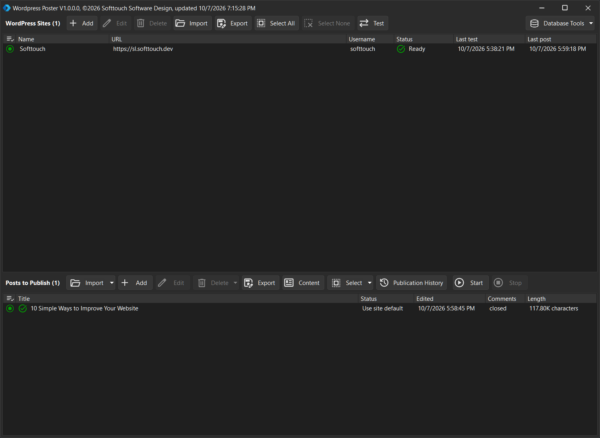
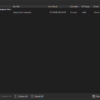
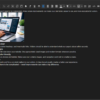
WordPress Poster is a Windows desktop application for managing and publishing WordPress posts to one or multiple WordPress websites.
Stop logging into every website separately. Configure your WordPress sites once, manage your posts locally, and publish your content wherever you need it.
One application. Multiple WordPress sites.
Whether you manage several of your own websites or regularly publish content to multiple WordPress installations, WordPress Poster keeps everything in one place.
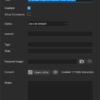
Add your WordPress websites, configure their publishing defaults, and use the same local post collection to publish wherever you need.
Powerful publishing workflow
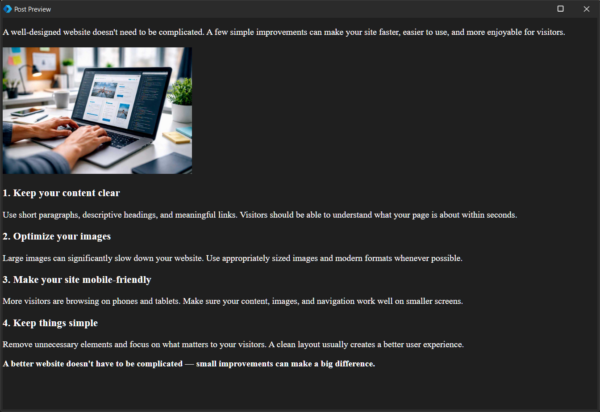
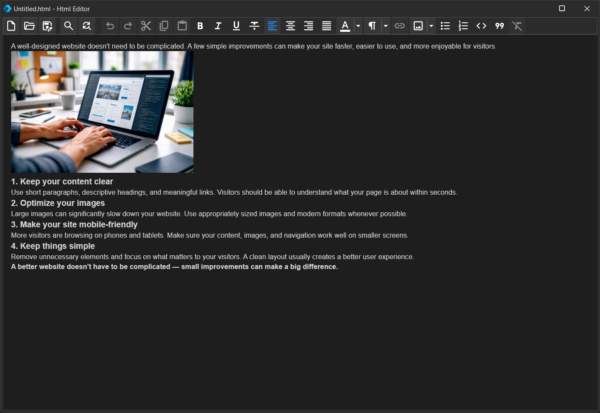
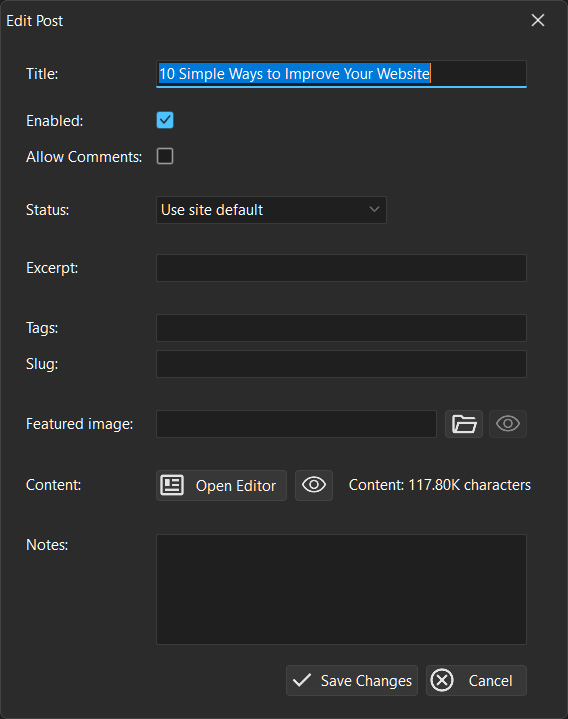
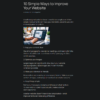
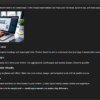
Create and manage your posts locally and decide exactly what should be published.
Supported post data includes:
- Title and content
- Excerpt
- Categories
- Tags
- Slug
- Featured image
- WordPress status
- Comment settings
- Notes
Posts can be enabled or disabled individually, giving you full control over which content participates in a publishing operation.
Publish to multiple sites
Select the posts and websites you want to process and let WordPress Poster handle the publishing queue.
The application can create new posts or update existing posts, depending on their publication history.
This makes bulk publishing across multiple WordPress websites much faster than working through each site manually.
Know exactly what happened
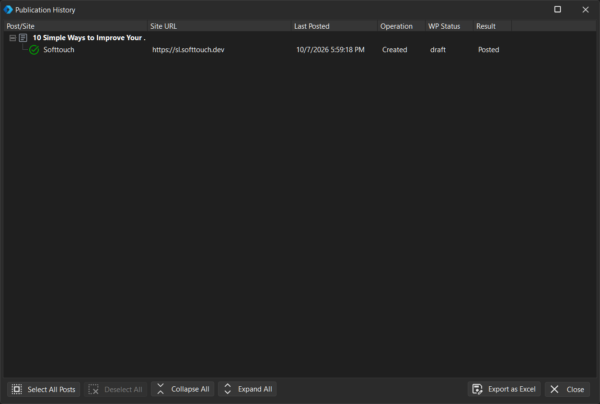
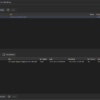
WordPress Poster keeps a publication history for your posts.
For each publication you can see:
- Which website received the post
- When it was last posted
- Whether the post was created or updated
- The WordPress status
- Whether the operation succeeded or failed
Failed publications are clearly identified so you can quickly find posts that need attention.
Test your WordPress sites before publishing
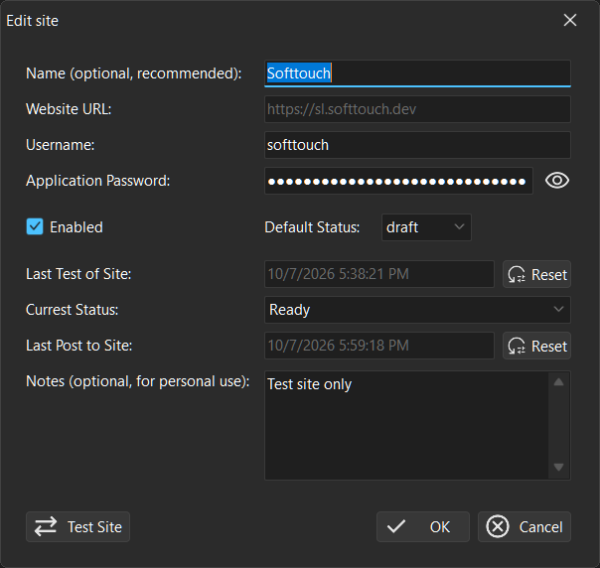
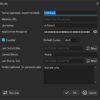
Each configured site can be tested before you start publishing.
The test verifies that:
- The WordPress website can be reached
- The supplied username is valid
- The WordPress Application Password is valid
- The WordPress REST API is available
This helps you identify configuration problems before starting a publishing operation.
Featured image support
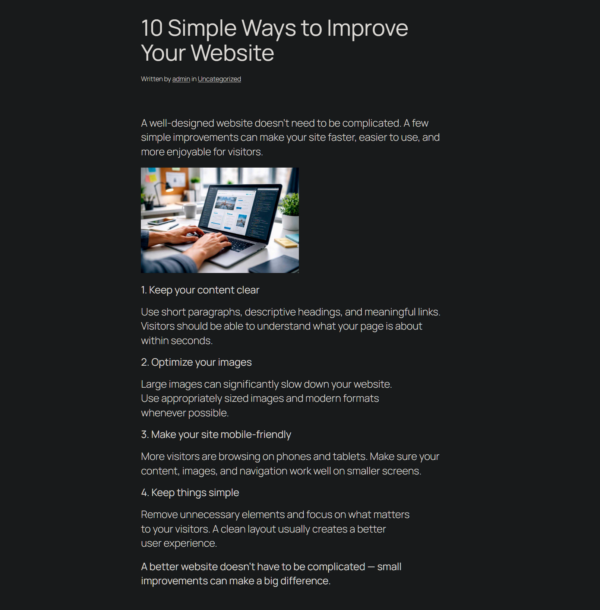
Posts can include featured images. WordPress Poster uploads the required image to the target WordPress site and associates it with the post.
Images that have already been uploaded can be recognized and reused, helping to avoid unnecessary duplicate media uploads.
Keep your data locally
Your websites, posts, and publication history are stored in a local SQLite database.
Your data is not dependent on an external publishing service.
The application also includes database backup, restore, and compaction tools so you can maintain and protect your local database.
Key Features
✓ Publish to multiple WordPress websites
✓ Bulk publishing
✓ Create and update WordPress posts
✓ Local post management
✓ Featured image support
✓ Categories and tags
✓ WordPress post statuses
✓ Comment control
✓ Publication history
✓ Publication status tracking
✓ Site connection and authentication testing
✓ Local SQLite database
✓ Database backup and restore
✓ Database compaction
How it works
1. Add your WordPress websites
Enter the website URL, username, and WordPress Application Password.
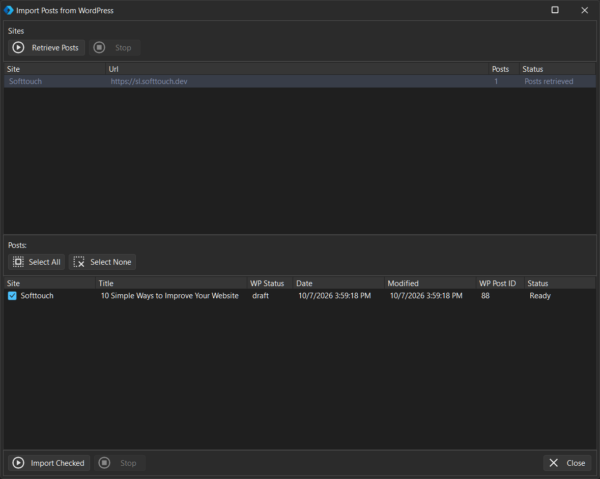
2. Add or import your posts
Prepare your content locally and configure the publishing options.
3. Select what you want to publish
Enable the posts and websites you want to include.
4. Start publishing
WordPress Poster processes the publishing queue and creates or updates the posts on the selected websites.
5. Review the results
Use the publication history to see exactly where your posts were published and whether each operation succeeded.
Requirements
- Windows 10 or later
- A WordPress website with the REST API enabled
- A WordPress user account with the required permissions
- A WordPress Application Password
Take control of your WordPress publishing workflow
Manage your posts once. Publish them to multiple WordPress websites.
WordPress Poster gives you a simple, centralized way to manage and publish WordPress content without repeatedly logging into every website.