Downloads
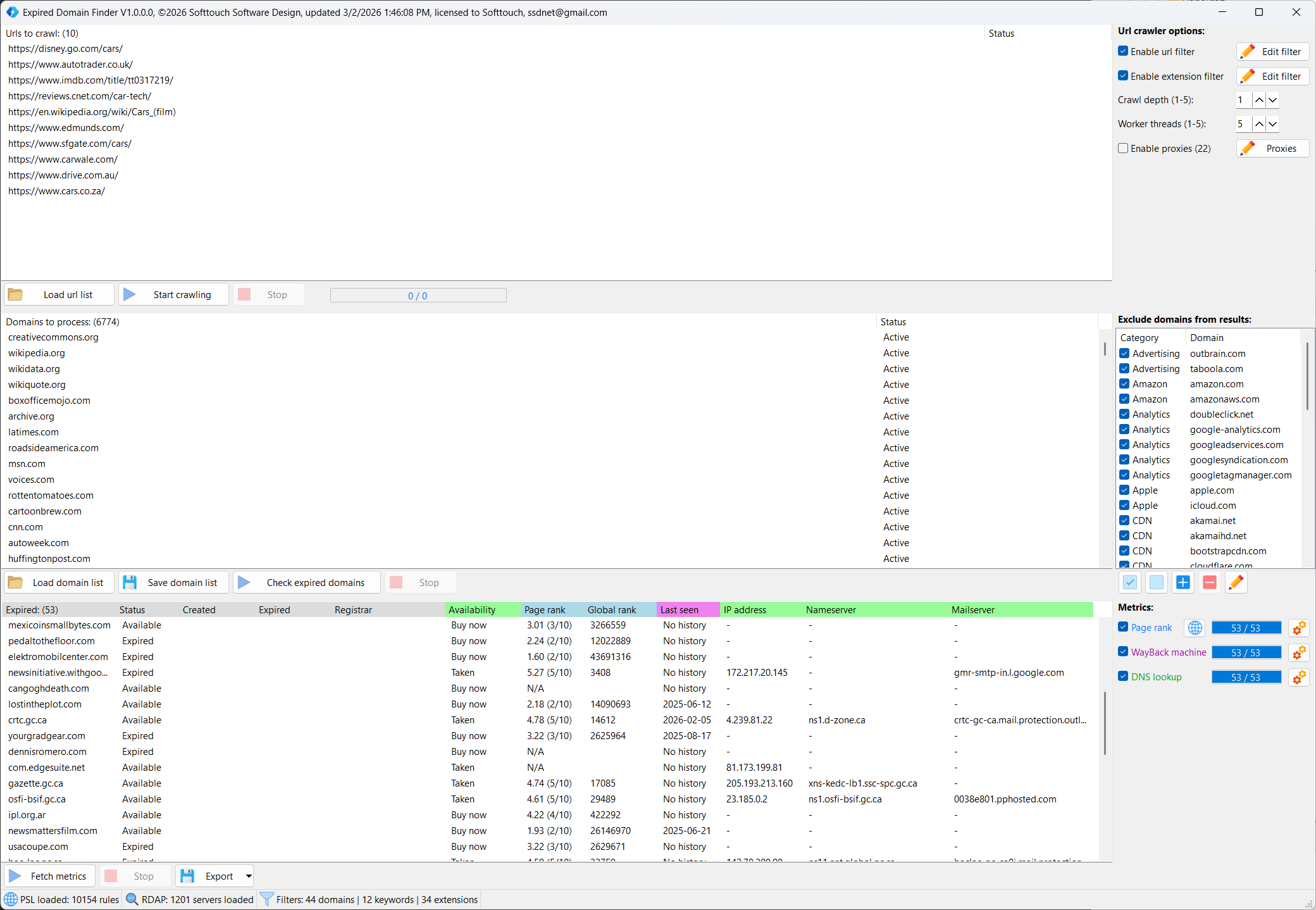
Expired Domain Finder
V1.0.0.0 – Stable
- Windows 11 compatible
- 64-bit Architecture
- Lifetime license (no subscription)
Extract: Right-click the .zip and select “Extract All”.
Bypass Windows SmartScreen: Double-click the .exe. When the blue screen appears, click “More info” at the top, then click “Run anyway” at the bottom.
Antivirus (AV) Warnings: Because Softtouch software is specialized and newly released, some antivirus programs may flag it as “Unknown” or “Suspicious.”
- The Fix: If your AV blocks the file, go to your AV settings and select “Allow” or “Add to Exclusions.” > * Verification: Every file is 100% clean. You can verify this by uploading the file to VirusTotal.com before running it.
Register: Enter your Name, Email, and Transaction ID in the startup window to begin the 1-12h manual activation.
Need help? Contact Support
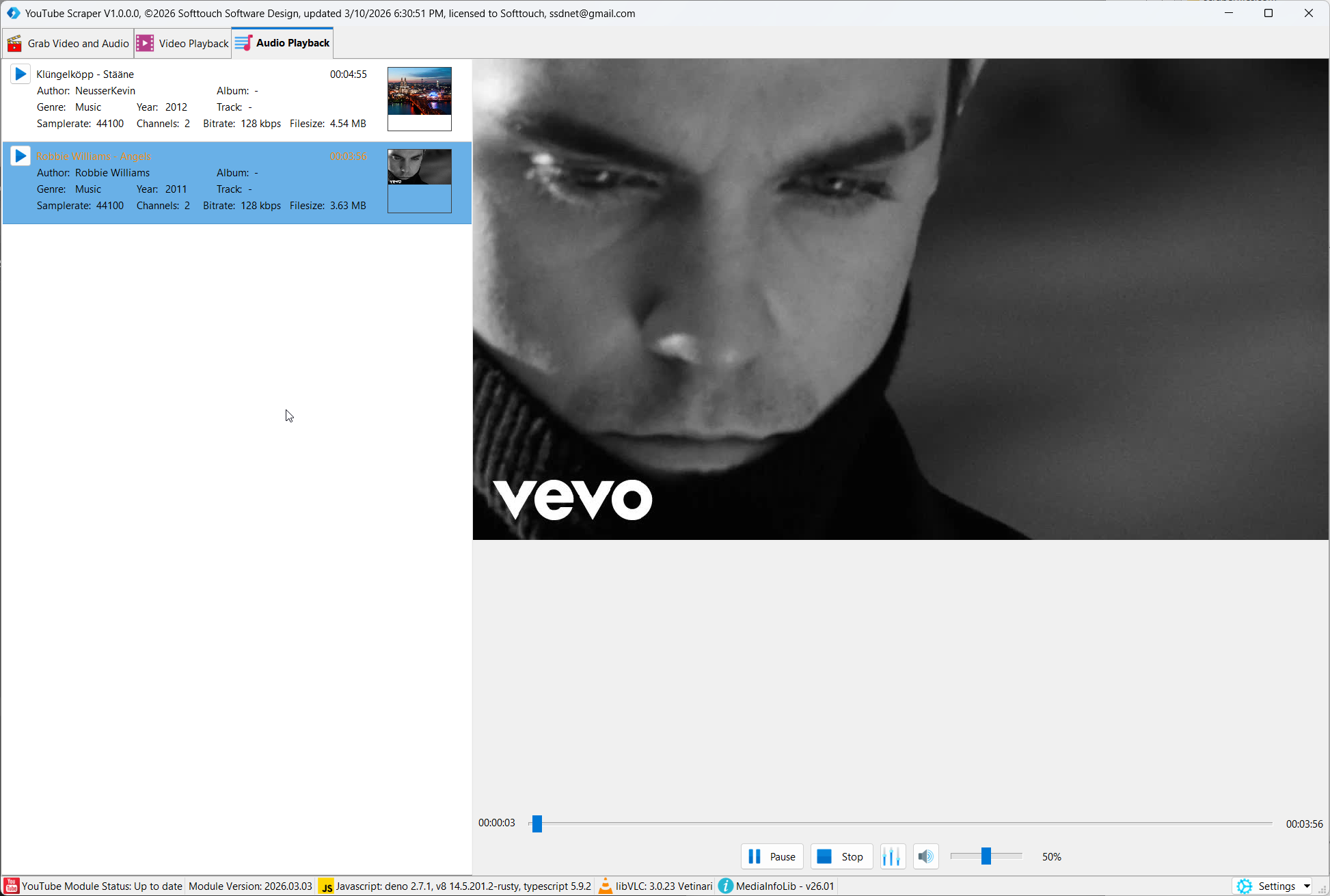
YouTube Scraper
V1.0.0.0 – Stable
- Windows 11 compatible
- 64-bit Architecture
- Lifetime license (no subscription)
Extract: Right-click the .zip and select “Extract All”.
Bypass Windows SmartScreen: Double-click the .exe. When the blue screen appears, click “More info” at the top, then click “Run anyway” at the bottom.
Antivirus (AV) Warnings: Because Softtouch software is specialized and newly released, some antivirus programs may flag it as “Unknown” or “Suspicious.”
- The Fix: If your AV blocks the file, go to your AV settings and select “Allow” or “Add to Exclusions.” > * Verification: Every file is 100% clean. You can verify this by uploading the file to VirusTotal.com before running it.
Register: Enter your Name, Email, and Transaction ID in the startup window to begin the 1-12h manual activation.
Need help? Contact Support
🛠️ How Activation Works
All Softtouch software follows a secure manual activation process.
- Initial Setup: When you launch a program for the first time, an activation window will appear.
- Submit Details: Enter your Name, Email, and Transaction ID (found in your purchase confirmation email).
- Manual Verification: Your details are sent to our team for verification.
- Confirmation: Once activated, you will receive an email from us. You can then restart the software and begin your work.
⏳ Please Note: Activation is handled manually and typically takes 1 to 12 hours depending on the timezone.